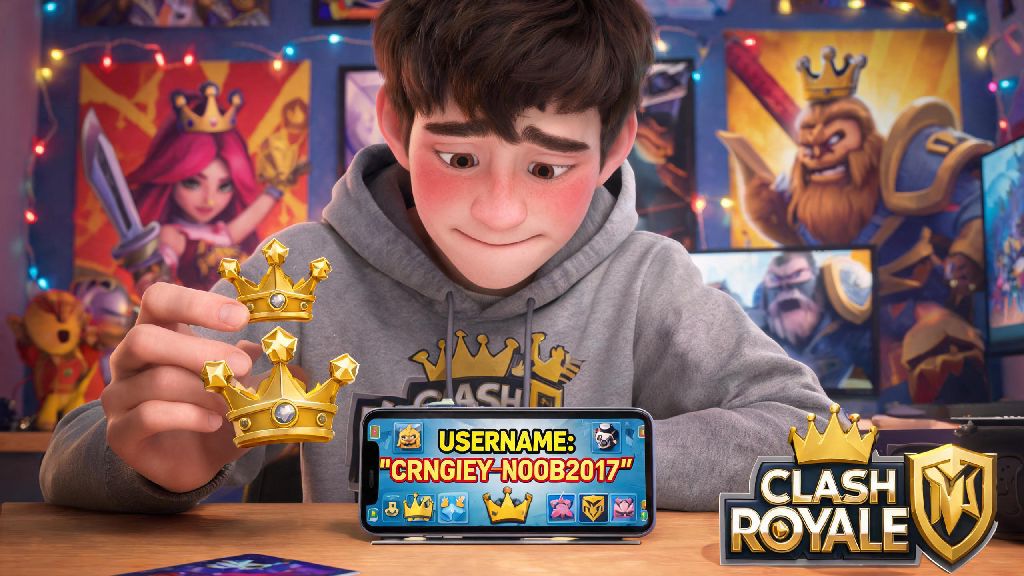
We’ve all been there. You downloaded Clash Royale on a whim as a new player, typed the first silly name that popped into your head (my first was “NoobSlayer69” back in 2018, no judgment), and now you’re stuck with an alias that makes you cringe every time your clan mentions it in war chat. If you’re ready to ditch that old, embarrassing name for something that actually fits your playstyle or personality, you’re probably looking for how to change name in Clash Royale. The process is simpler than you might think, but there are a few hidden rules, costs, and pitfalls you need to know before you hit confirm, so you don’t waste gems or end up with a worse name than you started with.
What You Need to Know Before You Change Name in Clash Royale
Supercell doesn’t let new players change their names right away, and for good reason. The restriction cuts down on trolls who make throwaway accounts just to spam offensive names and harass other players. First, you need to reach King Level 5 before the name change option even appears in your settings. That usually takes 2 to 3 days of regular play for new users, so you don’t have to grind for months to unlock the feature.
Next, you need to understand the cost structure for name changes. Your first Clash Royale name change is 100% free, no gems required. You don’t have to pay anything for that first switch, so take advantage of it if you picked a bad initial name. After that, each subsequent name change costs double the previous amount, starting at 500 gems for the second change, 1000 for the third, and so on. Name change costs cap out at 10,000 gems per switch, so you definitely don’t want to be changing your name every other week unless you’re swimming in free gems from passes and challenges.
You also need to know that every name has to be unique. If another player already has the name you want, you won’t be able to use it. You can add small variations like numbers, underscores, or approved special characters to make it stand out if your first choice is taken. Just don’t go overboard with hard-to-read symbols if you want your clanmates to be able to tag you in chat easily.
Step-by-Step Walkthrough to Change Your In-Game Name
Once you hit King Level 5 and have decided on your new name, the actual process only takes about 30 seconds. Follow these exact steps to avoid mistakes:
You will get a final warning pop-up before the change goes through, especially if you’re spending gems on a non-first change. Double-check your spelling and capitalization before hitting confirm, as edits are not allowed after submission. If you accidentally type “NinjaGamer” instead of “NinjaGamr” like you wanted, you’ll have to wait and pay for another change to fix it. The system automatically checks for duplicate names as soon as you type, so you’ll get an instant error if your chosen name is already taken, no waiting required.
There’s no cool down period between name changes, other than the gem cost increase. That said, it’s smart to wait at least a few weeks between changes if you can, so your clanmates and regular tournament opponents have time to get used to your new alias. I made the mistake of changing my name three times in one month a couple years back, and half my clan kept thinking a random stranger was joining their war lobbies.
Rules to Follow for a Valid Clash Royale Name
Supercell has strict community guidelines for all in-game content, including usernames, and they actively flag and remove names that violate these rules. You can’t use any hate speech, slurs, or discriminatory language of any kind, even if you think it’s a joke. You also can’t use names that include personal information like your full legal name, phone number, address, or social media handles, for your own safety and others’.
Impersonation is another big red flag. You can’t use names that suggest you work for Supercell, or that you’re a well-known content creator if you’re not. I had a clan mate a few years ago who changed his name to “SupercellAdmin” as a prank, and his account got a 3-day suspension plus a forced name reset to a generic “PlayerXXXX” label within 24 hours. Names that violate Supercell’s community guidelines will be reset automatically, and you won’t get a refund for any gems you spent on the change.
You also can’t use names that are spammy, include links, or are designed to scam other players. That means no names like “FreeGemsHere” or “ClickMyLinkForPasses”, even if you’re not actually running a scam. The automated flagging system will pick those up immediately and reset your name, no questions asked.
Common Mistakes to Avoid When Changing Your Clash Royale Name
The biggest mistake most players make is changing their name on a whim without thinking it through. Since the cost doubles every time you switch, that silly joke name you think is funny today could cost you 1000 gems to fix next month when you’re tired of it. Take a day or two to think about your new name before you commit, to make sure it’s something you’ll be happy with for at least a few months.
Another common mistake is picking a name that’s almost identical to one of your clan mates. That might seem funny at first, but it will cause massive confusion during clan wars and friendly challenges, when your leader is trying to assign roles and can’t tell you apart. Add a unique number or modifier if you want to match your clan’s name theme, but make sure it’s distinct enough that people can tell you apart at a glance.
Finally, don’t use so many special characters or rare emojis that people can’t type your name to invite you to tournaments or tag you in chat. It might look cool to have 10 different star emojis around your name, but most players won’t bother trying to copy all of them when they want to send you a friend request. Never share personal information like your real full name, address, or social media handles in your in-game name, even if you think it makes you seem more relatable. There are thousands of strangers playing the game, and you never know who might be looking for that information.
If you really hate your current name but already used your free change and don’t have enough gems for another, you can reach out to Supercell support in very limited cases. They will only approve a free name change if your current name is offensive, or if you have a legal name change that you need reflected in your account. Don’t bother contacting them just because you don’t like your current name, they will reject your request.
Now that you know exactly how to change name in Clash Royale, take the time to pick something that feels like you, whether that’s a reference to your favorite card, a inside joke with your clan, or just a silly alias that makes you smile. Follow the rules, double check your spelling, and don’t waste gems on unnecessary changes, and you’ll have a name you’re proud to show off in every lobby you join. I changed my name to “BeanBrewCR” two years ago, since I play every morning with my coffee, and I haven’t felt the need to switch it once. Take your time, and you’ll find the perfect fit too.