We’ve all been there: you’re 30 seconds away from winning a Grand Challenge match, and your opponent starts spamming slurs in the chat, or you notice they’re dropping max-level Epic cards when their king tower is only level 7. Tons of players brush this off, but knowing how to report in Clash Royale is the easiest way to keep toxic players and cheaters from ruining the fun for everyone. I’ve submitted dozens of reports over 6 years of playing, and I’ve learned exactly what works to get rule-breakers penalized, and what gets your report tossed out immediately. This guide breaks down everything you need to know to file reports that actually lead to action, no extra hassle required.
When You Should (and Shouldn’t) Submit a Clash Royale Report
Supercell has clear community guidelines that outline exactly what counts as a punishable offense, so you don’t have to guess if your report is worth submitting. Valid report reasons include:
- Hate speech, slurs, harassment, or sexual content in chat, usernames, clan descriptions, or clan badges
- Cheating via modded APKs, infinite elixir hacks, auto-play bots, or account sharing to inflate ranked ranks
- Scams like fake free gem links, account sale offers, or phishing attempts to steal your account login details
- Inappropriate clan recruitment messages that target minors or include off-platform links to harmful content
On the flip side, there are tons of reports that get automatically filtered out before a support agent ever sees them. You don’t need to report someone for using the Hog Rider cycle deck that you can’t counter, or for spamming the crying king emoji after they take your tower. Supercell considers those part of normal game behavior, so submitting reports for those just clogs up the system for people who actually need support. Toxic chat or inappropriate usernames/clan names and cheating or hacking are the two most commonly approved report categories, so stick to those for the best results.
How to Report in Clash Royale: Step-by-Step for All Violation Types
The reporting process changes slightly depending on what type of violation you’re reporting, so it helps to know the exact steps for each scenario to avoid mistakes. If you’re still in an active match and see toxic chat, tap the chat bubble, then tap the small exclamation mark next to the specific message that breaks the rules. Make sure you select the specific message that violates the rules, not just the general player report option – that gives Supercell direct proof of the violation, so they don’t have to go digging for chat logs that may have already expired.
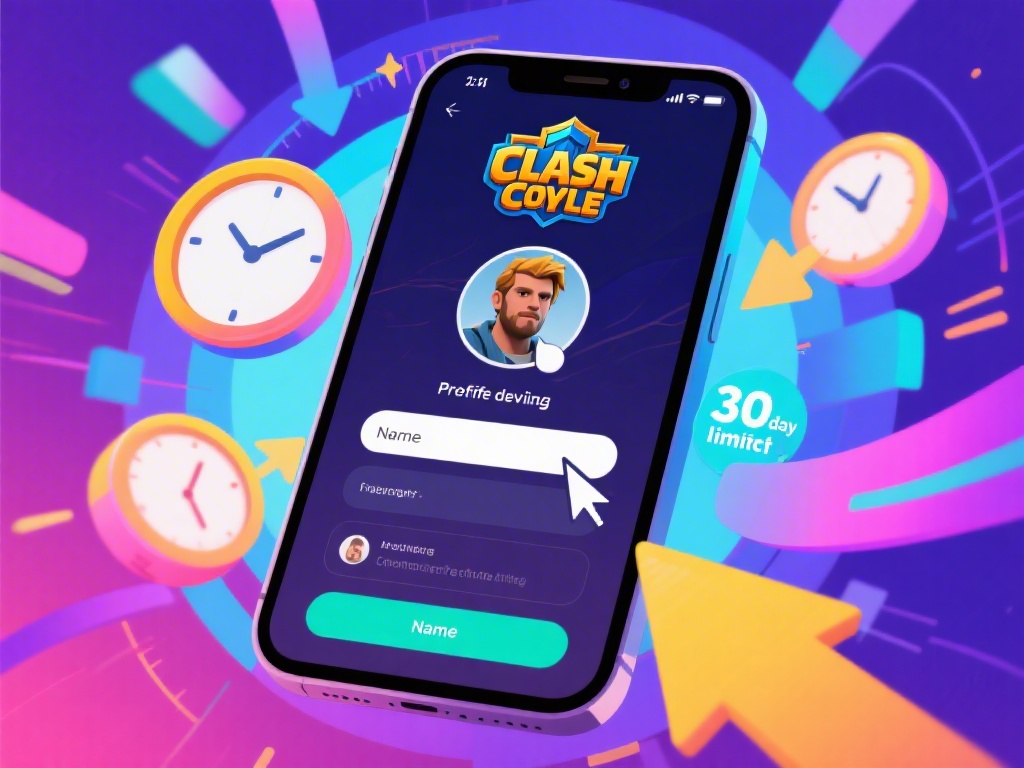
If you’re reporting a player’s username, profile, or suspected cheating after a match ends, go to your battle log, find the match with the player in question, tap their profile, then tap the three dots in the top right corner and select “Report”. You’ll get a dropdown menu to select the reason for the report, and you can add a short note with extra context if needed, like “they dropped 3 Pekkas in 10 seconds with a level 6 king tower, definitely using an infinite elixir hack”. To report an entire clan for inappropriate names, descriptions or behavior, go to the clan profile, tap the three dots, and select “Report Clan” to submit your claim. Always pick the most specific report reason available – don’t just select “other” if there’s a “hate speech” or “cheating” option that fits. Generic reports take far longer to process, and are more likely to be dismissed if there’s no clear reason listed.
Common Mistakes That Make Your Clash Royale Report Get Ignored
I’ve seen so many players submit reports that go nowhere because they skip small but important steps. First big mistake: Not including proof. If you’re reporting someone for cheating, taking a 10 second screen recording of them using impossible elixir amounts or auto-placing cards will make your report 10x more likely to lead to a ban, instead of just writing “they were hacking” with no context. Supercell gets thousands of reports a day, so they prioritize reports that have clear, attached evidence of rule-breaking. You don’t need professional footage, just a quick clip that shows the violation clearly.
Second mistake: Submitting multiple reports for the same offense. You don’t need to report the same player 5 times in 10 minutes – that flags your account as a possible spammer, and all your reports might get filtered out automatically. One well-documented report is enough to get their case reviewed. Third mistake: Lying or exaggerating in your report note. If you say someone was using slurs but the chat logs show they just spammed the laugh emoji, your report will get tossed, and you might even get a warning for false reporting. Stick to the facts when you write your report note, no extra drama needed. You also don’t want to wait too long to submit a report: Supercell only keeps match logs and chat history for 7 days, so if you wait longer than that, there’s no evidence left to review, so your report will be dismissed automatically.
What Happens After You Submit a Report in Clash Royale?
A lot of players think reports don’t do anything, but that’s not true – Supercell just doesn’t send individual updates for every report to avoid spam. First, your report goes through an automated filter first that checks for obvious violations, like chat messages with slurs, or match data that shows impossible elixir usage. If the auto filter finds a clear violation, the player gets an immediate warning or temporary ban, no agent needed. If it’s a more complex case, like a suspected hack that the auto filter didn’t catch, it gets sent to a human support agent for review.
You will not get a notification if the player you reported is penalized – Supercell keeps that info private to avoid retaliation between players. But if you submitted a false report, you might get a warning on your own account, or even a temporary chat ban if you repeatedly submit fake reports. For serious violations like repeated hate speech or hacking, the player will get a permanent ban, no second chances. I’ve had a few players I reported for hacking get banned a few days later, even if I didn’t get a notification – I just noticed their profile was gone when I checked my battle log later. If you report a scam that’s targeting multiple players, you might even get a small in-game reward as a thank you from Supercell, though that’s not guaranteed for every report.
At the end of the day, learning how to report in Clash Royale is a small thing every player can do to make the community better for new and long-time players alike. You don’t have to be a mod or super active player to make an impact – one properly submitted report can get a toxic player or cheater off the platform before they ruin hundreds of matches for other people. Just remember to only submit reports for actual rule violations, include as much proof as you can, and stick to the facts when you fill out the report form. That’s all it takes to make your reports count, and keep Clash Royale fun for everyone who plays.