If you’ve ever stared at your Clash Royale home screen confused about how to send a friend invite, add a new card to your deck, or join a clan that fits your playstyle, you’re not alone. Thousands of new players search how to add on Clash Royale every week, because the game’s layered interface hides a lot of useful features behind small, easy-to-miss buttons. I’ve been playing Clash Royale since its global launch, and I’ve walked dozens of my casual gamer friends through these steps, so I know exactly what pain points you’re likely to run into. This guide breaks down every common “add” action you’ll need to take in the game, no technical knowledge required.
How to Add on Clash Royale: The 3 Most Common Actions Players Need
Before we dive into step-by-step instructions, it helps to clarify what most players mean when they search for this term. There are three core actions that fall under this umbrella, and we’ll cover all three in detail later:
- Adding friends to your in-game friend list to play friendly matches or join their clan
- Adding newly unlocked cards to your battle deck to test new strategies and counter meta builds
- Adding yourself to a clan, or adding new members to your existing clan to unlock clan rewards
Step-by-Step Instructions for Adding Friends in Clash Royale
The process for adding friends changed a few times over the years, but the current system is simple once you know the limits. You can only send friend requests to players you’ve recently battled with, or players who share a friend link with you – there’s no way to search for a player by their username directly, which is a common point of frustration for new players. To add someone you battled recently, tap the small person icon on the top right of your home screen, select the “Recent Battles” tab, tap the profile of the player you want to add, and hit the “Send Friend Request” button. They’ll get a notification the next time they log in, and you’ll see them in your friend list once they accept. If you want to add someone you know in real life that you haven’t battled, you can generate a custom friend link instead. Tap the same person icon, select “Invite Friend”, and hit “Copy Link” to share it via text, social media, or any messaging app you use. Friend links expire after 48 hours, so if you’re sending one to a friend who doesn’t play often, remind them to open it quickly before you have to generate a new one. I usually turn off incoming friend requests when I’m grinding ladder, because I get too many toxic messages from players I just beat, and it’s easy to toggle that setting on and off from the same friend menu.
How to Add New Cards to Your Battle Deck Without Ruining Your Win Rate
Unlocking a new card, especially a legendary or champion card, is one of the most exciting moments in Clash Royale. But too many players make the mistake of slotting that new card directly into their main ladder deck immediately, and end up losing 4 or 5 games in a row because they don’t know how to use it properly. Always test new cards in friendly matches or 1v1 party battles first before you take them to ranked ladder, even if you’ve seen pro players use the card successfully in tournaments. When I first unlocked the Mighty Miner a few seasons back, I threw it into my go-to hog rider cycle deck right away, and didn’t realize how much it slowed down my average elixir cycle speed. I lost four straight ladder matches before I realized the problem, and spent the next hour testing the card in friendly battles against my clan mates to figure out how to fit it properly. Never make more than one change to your deck at a time, so you can clearly tell if the new card is helping or hurting your win rate. If you swap two cards at once and start losing, you won’t know which one is causing the issue. You should also make sure the new card fills a gap in your existing deck: if you struggle against air attacks, adding a baby dragon makes far more sense than adding a ground tank like the P.E.K.K.A., even if that P.E.K.K.A. is level 12.
Best Practices for Adding or Joining a Clash Royale Clan
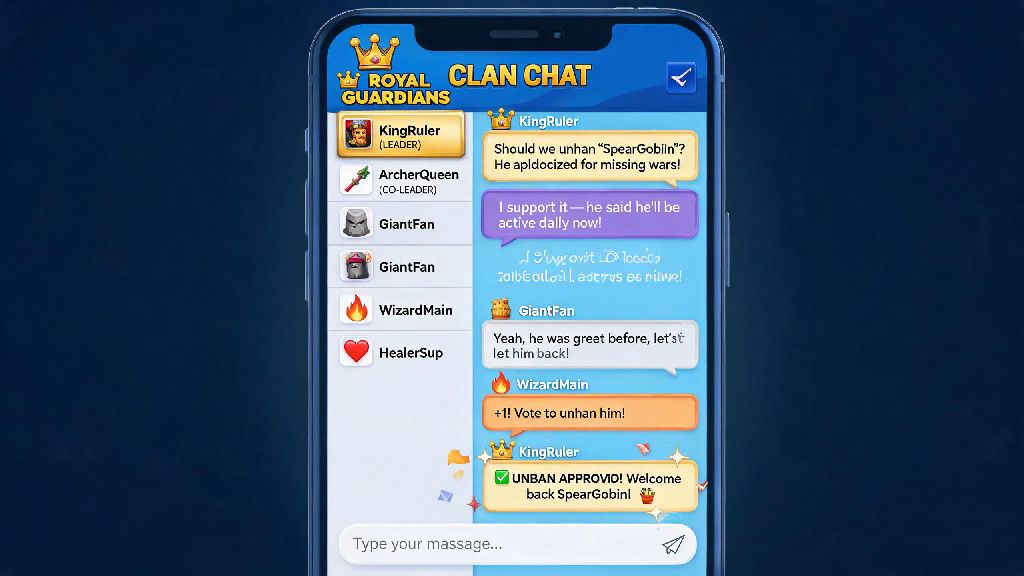
Clans are one of the best parts of Clash Royale, because they give you access to card requests, clan war rewards, and a group of people to test decks with whenever you want. If you’re looking to join a clan, start by filtering clan results by your current trophy count, so you don’t waste time applying to clans that are way above or below your skill level. Avoid clans with less than 30 active members, because you won’t get enough card donations to level up your cards quickly, and clan wars will be almost impossible to win. I’d also recommend looking for clans that have a public chat history you can view before joining, so you can make sure the community is friendly and active instead of full of spam or toxic messages. If you’re running your own clan and adding new members, always read the join request message first. Most serious players will mention how often they play and if they participate in clan wars, so you can filter out players who won’t contribute to your clan’s progress. I run a small casual clan for my real life friends and a few regular players we met through ladder, and I always ask new applicants to mention their favorite card in their join request to make sure they’re not bots. That small rule cut down on spam join requests by 90% almost immediately.
At the end of the day, learning how to add on Clash Royale is one of the first small steps you’ll take to get more out of the game, whether you want to play with friends, test new deck builds, or earn better rewards from clan wars. Don’t stress if you can’t find a button right away – even long-time players miss new features after Supercell rolls out interface updates. If you run into a feature we didn’t cover here, drop a comment below and we’ll add it to our next guide update.