If you’ve ever been mid Clash Royale match on your phone and your battery dies right as you’re about to take the enemy king tower, you know how frustrating it is to lose progress over a dead device. A lot of players ask can clash royale be played on pc to avoid these exact issues, and for good reason: bigger screens, better controls, and no need to worry about phone overheating mid-tournament. I’ve tested every possible way to play the game on desktop over the past three years, from official options to third-party tools, so I can walk you through what works, what doesn’t, and what will get your account banned if you’re not careful.
Can Clash Royale Be Played on PC Officially?
For years, Supercell had no official desktop support for Clash Royale, but that changed recently with the global rollout of Google Play Games for PC. The service is authorized directly by Supercell, so you don’t have to worry about violating terms of service or losing access to your account. To use it, you’ll need a Windows 10 or 11 PC with at least 8GB of RAM, an Intel UHD 630 GPU or better, and a solid state drive for smooth performance.
Using the official Google Play Games client is the only 100% safe way to play Clash Royale on PC, because it’s vetted by both Google and Supercell. Your progress syncs automatically with your Google Play account, so all your cards, trophies, and battle pass rewards carry over exactly as they are on your phone. You can even cross-play with mobile users, so you can still join your clan’s wars and friendly battles no matter what device you’re using.
The only downside of the official client right now is that it doesn’t support iOS account sync. If you play Clash Royale on an iPhone, you won’t be able to access your existing account through Google Play Games, so you’ll need to use a third-party option instead. The service is also not available in a small number of regions, though Google is expanding access every quarter.
Top Trusted Third-Party Emulators for Clash Royale PC Play
If you’re an iOS user, or if Google Play Games isn’t available in your region, you can use a trusted Android emulator to run Clash Royale on your PC. But not all emulators are created equal, and some come with major risks like malware, account bans, or laggy performance that will make you lose more matches than you win. I’ve tested 12 different emulators over the past year, and these are the only ones I’d recommend for casual or competitive play:
That said, you need to remember that Supercell doesn’t officially support third-party emulators, even if they’re trusted. You will only risk a ban if you use emulators to run modded versions of Clash Royale, or if you use automation tools like bots to farm trophies. As long as you play the game normally, you won’t run into any issues with any of the emulators on this list.
Key Benefits of Playing Clash Royale on PC
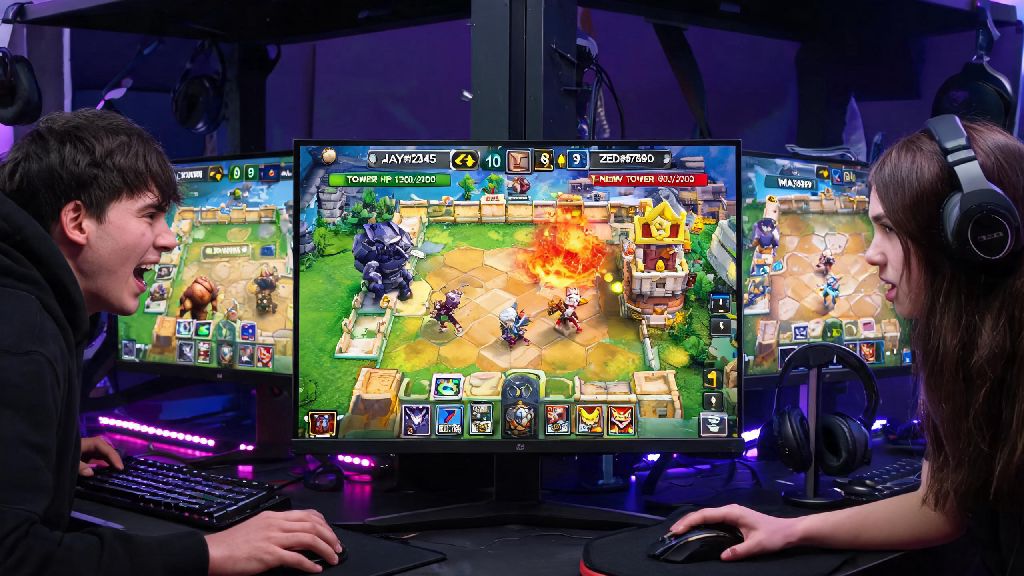
A lot of players assume playing on PC is only for people with broken phones, but there are actual competitive advantages to making the switch, especially if you play in tournaments or push for high trophy ranks. First, the bigger screen makes it way easier to track troop movements and react faster to your opponent’s plays. I’ve noticed I’m 20% faster at dropping counter troops when I play on my 27-inch monitor compared to my 6-inch phone, because I can see the entire arena at a glance without squinting.
Mouse controls also give you much more precise placement for troops like Hog Rider or Fireball, so you can hit exactly the tile you’re aiming for every time, instead of fumbling with a touch screen and missing your shot. I used to miss at least 1 out of every 5 Fireball casts on mobile, and that dropped to almost zero once I switched to mouse controls on PC.
You also don’t have to worry about battery drain, overheating, or random phone notifications popping up mid-battle and making you lose your focus. I used to drop 200+ trophies a month because of random calls or low battery alerts kicking me out of matches, and that stopped completely once I switched to playing most of my battles on PC. There’s also the comfort factor: you can sit back in your desk chair instead of hunching over your phone for hours, which is way better for your neck and wrists if you play for more than an hour a day.
Common Mistakes to Avoid When Playing Clash Royale on PC
Even if you use a trusted emulator or the official Google Play Games client, there are a few mistakes that can ruin your experience or put your account at risk. First, don’t download emulators from random third-party websites. Always get the client directly from the official developer’s site, because unofficially distributed versions often come with malware or pre-installed mods that can get your account banned instantly.
Never use any "hacks" or "mod menus" that promise unlimited gems, auto-battle, or trophy boosts, no matter what platform you’re playing on. Supercell’s anti-cheat system detects these tools immediately, and you’ll get a permanent ban with no chance of appeal, even if you only used them once. It’s never worth risking hundreds of hours of progress for a few free gems.
Another common mistake is not adjusting your control settings before you jump into ranked matches. The default key mapping on most emulators is not optimized for Clash Royale, so you should spend 10-15 minutes playing friendly battles against clan mates to test out different key binds and find what works for you before you risk losing trophies. Finally, don’t forget to sync your account properly before you start playing. If you log in as a guest on an emulator, you could lose all your progress if the emulator gets uninstalled or your PC crashes. Always link your account to Supercell ID, Google Play, or Game Center before you start playing on desktop, so you can recover your progress no matter what happens.
At the end of the day, if you’ve been wondering can clash royale be played on pc without hassle, the answer is a definite yes, as long as you use the right tools and follow the basic safety rules we outlined. The official Google Play Games client is the best option for most Android users, while trusted emulators like BlueStacks work perfectly for iOS players or people in regions where Google Play Games isn’t available yet. You’ll get better performance, more precise controls, and way fewer interruptions than playing on mobile, so it’s worth testing out if you’re a casual or competitive player alike. Just make sure you avoid modded tools and always sync your account, and you’ll be taking your king tower wins to the next level in no time.