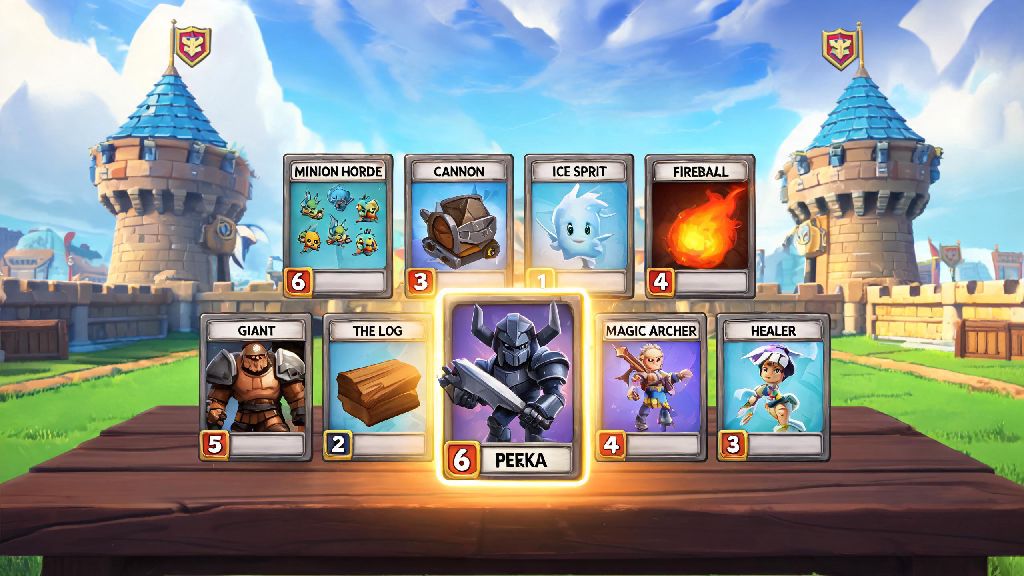
If you’ve ever been matched with a random 2v2 teammate who perfectly counters a Golem push with their Pekka and Fireball combo, you probably wished you could play with them again. That’s exactly why knowing how to friend people in Clash Royale makes the game so much more fun than grinding solo matches all day. You can team up for ranked battles, test new decks against each other, get advice for tough arena pushes, and even join the same clan to compete in global tournaments. I’ve been playing Clash Royale on and off for 6 years, and half the people I game with regularly I met through random matchups in the game, so I know exactly how the friend system works, even with the little quirks Supercell has added over the years.
How to Friend People in Clash Royale: Step-by-Step Request Guide
There are two main ways to send friend requests, depending on if you just played with the person or already have their player tag from an external community. If you just finished a match with someone you want to add, tap the small “i” icon next to their username on the post-match results screen. You’ll see an option that says “Send Friend Request” right below their profile stats, tap that, and they’ll get a notification the next time they log in.
If you’re adding someone you met outside the game, like a classmate or someone from a gaming Discord server, you’ll need their unique player tag. You can find your own player tag under your profile icon in the top left corner of the main screen, so if someone is adding you, just share that code with them. Never accept friend requests from accounts you don’t recognize that send suspicious links or offer free gems, as these are almost always scams. Supercell limits you to 100 friends total, so if your list is full, you’ll need to remove inactive players before sending new requests.
Best Practices for Sending Friend Requests That Get Accepted
A lot of players send blank friend requests and get confused when they get ignored, right? Most regular Clash Royale players get a dozen random requests a week, so you need to make yours stand out if you’re adding someone you played with. Leave a short, friendly message with your request that mentions the match you just played – for example, “Loved that Pekka combo you used in our 2v2, want to team up again sometime?” That immediately lets the other person know you’re not a spam account, and you’re reaching out for actual gameplay, not a scam. If you’re adding someone from an external community, mention what group you found them in, so they don’t reject your request by mistake.
A lot of mobile gamers bounce between different casual competitive games between Clash Royale matches to pass the time when they’re waiting for chests to unlock, so it’s not uncommon to meet players who also play other quick, skill-based games on their phones. Many of these players also enjoy casual card games between matches, and you might even meet people who play Rummy888 for quick, low-stakes rounds when they’re taking a break from grinding arena ranks. If you share other gaming interests with the person you’re adding, mention that in your request too, it’s a great way to build a connection beyond just Clash Royale.
Fun Things You Can Do With Friends in Clash Royale
Once your friend request is accepted, you don’t just have a name on a list – there are tons of in-game features designed to make playing with friends more rewarding. All 2v2 battles you play with friends count towards your weekly clan quest progress, so it’s a great way to knock out those quests fast while having more fun than playing with randoms. You don’t have to stick to ranked matches either, there are plenty of casual activities to enjoy with your friend group.
Here are some of the most popular activities to do with your Clash Royale friends:
- Team up for friendly 2v2 battles to test unorthodox decks without risking your trophy count
- Host private tournaments for your friend group to compete for bragging rights and small in-game prizes
- Share deck builds and get feedback from players who know your play style, so you can push through tough arena walls faster
- Join the same clan to participate in clan wars and global leaderboard challenges together
You can also spectate your friends’ live matches to learn new strategies and cheer them on during tough ranked pushes. I regularly spectate my friend’s matches when I’m waiting for my next chest to open, and I’ve picked up so many little tricks I never would have thought of on my own from watching him play. You can even send quick reactions during their matches to hype them up when they pull off a good play.
Common Issues With the Clash Royale Friend System and How to Fix Them
Even though the friend system is pretty straightforward, there are a few common bugs and errors that players run into all the time. The most common issue is not being able to find a player when you search their tag – this usually happens if you typed the tag wrong, or if the player has their profile set to private. Double check that you entered all letters and numbers correctly, and make sure the # symbol is included at the start of the tag. If they have their profile set to private, they’ll need to send you a request instead, or adjust their privacy settings temporarily.
Another common issue is not receiving friend requests you were expecting. This usually happens if your friend request folder is full, or if you have the “allow friend requests from strangers” toggle turned off in your privacy settings. If you’re not getting requests from people you know, head to your settings menu and double check your privacy toggles to make sure requests are enabled. If all else fails, you can also join the same clan temporarily, and send the friend request from the clan member list, which bypasses most search errors.
At the end of the day, Clash Royale is way more fun when you’re playing with people you get along with, and knowing how to friend people in Clash Royale opens up so many more ways to enjoy the game beyond just grinding trophies alone. Whether you’re teaming up for 2v2 battles, competing in private tournaments, or just swapping deck tips, the friends you make in the game can make even the most frustrating losing streaks feel a lot more bearable. Don’t be afraid to send a friendly request to a teammate who played well next time you finish a match – you might end up with a new regular gaming partner for years to come.