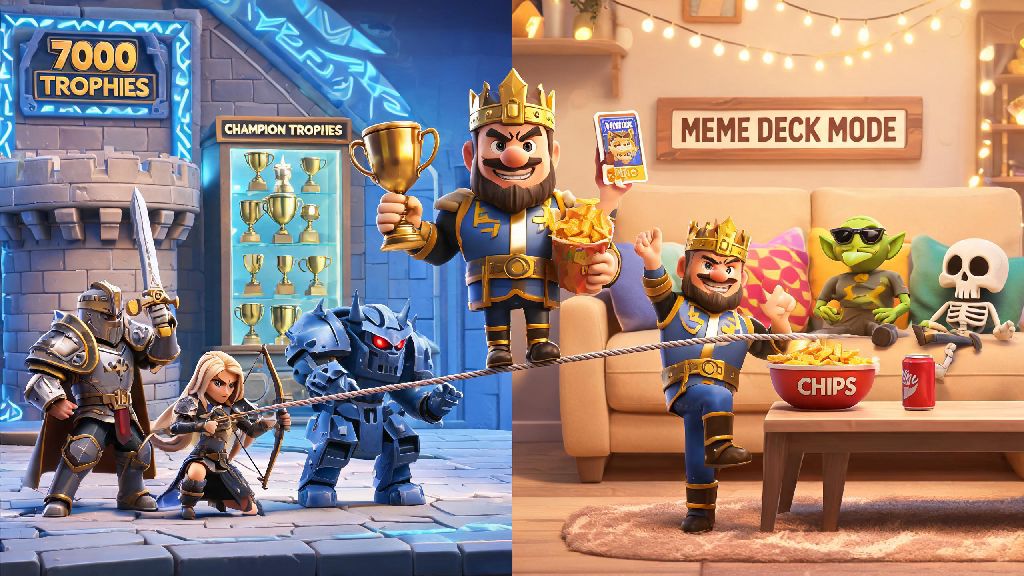
If you’ve ever wanted to test out weird deck builds without ruining your main account’s trophy count, or play with friends who are way lower rank without getting matched against top-tier players, you’ve probably wondered how to create a second Clash Royale account. I’ve run 2 separate accounts for 3 years now, one for competitive ladder pushes and one for messing around with meme decks, and I’ve picked up all the safe, official ways to do this without getting flagged or losing any of your progress. This guide will walk you through every step, plus common mistakes to avoid so you don’t end up locked out of either of your accounts.
Why Make a Second Clash Royale Account in the First Place?
Most players assume a second account is only for tryhard competitive players, but that’s not the case at all. I know plenty of casual players who keep a second account to play with their younger siblings or new friends who just downloaded the game, so they don’t have to tank their main account’s trophy rank to get matched in the same lobby. Some players also use a second account to test new card balance changes before they waste gold upgrading cards on their main account that end up being nerfed a week later.
You don’t need any special permission to make a second account, as long as you follow Supercell’s official rules and don’t use third-party tools to switch between accounts fast. If you’re still on the fence about whether a second Clash Royale account is worth the time, ask yourself if you’ve ever passed up a fun event because you didn’t want to risk your main account’s rank. If the answer is yes, it’s probably a good call for you. Common use cases I’ve seen from the Clash Royale community include:
Just make sure you don’t use your second account to manipulate matchmaking or throw matches on purpose, that’s the only rule Supercell enforces against multi-account use.
How to Create a Second Clash Royale Account Safely, No Third-Party Tools Needed
The only safe way to make a second account is using Supercell ID, which is free and built directly into the game, so you never have to download any sketchy apps or mod versions of Clash Royale that can get you banned. First, make sure your original account is connected to Supercell ID already, if it’s not, do that first before you do anything else, otherwise you could lose all your main account data when you reset. Never use guest accounts for your second profile, because if you uninstall the game or switch devices, you’ll lose all progress on that account permanently.
This process takes less than 5 minutes total, and it’s the only official method that Supercell endorses for setting up a second Clash Royale account. The steps are almost identical for iOS and Android: First, open Clash Royale on your device and tap the three horizontal lines in the top right corner, then select ‘Settings’. Find the ‘Supercell ID’ section and tap ‘Log Out’ – don’t worry, this won’t delete any of your main account data, it just signs you out of the current profile.
Once you’re logged out, you’ll see the game’s welcome screen, and there will be an option to sign up for a new Supercell ID. You’ll need a separate email address that’s not connected to your original Supercell ID. Enter the new email, confirm the verification code that gets sent to your inbox, and follow the prompts to set up your new account. That’s it, you’ll start right at the tutorial for your new second account, and you can switch back to your main account any time by logging out and signing back in with your original Supercell ID email. I’ve done this 4 times for different test accounts, and I’ve never had any issues with bans or lost progress, as long as you use separate valid emails for each ID.
Pro Tips for Managing Two Clash Royale Accounts Without Burnout
It’s really easy to get overwhelmed when you’re grinding two accounts at once, especially if you’re working on battle pass rewards for both at the same time. I used to spend 2 hours a day on both accounts when I first started, and I ended up hating the game for a full month because I was burnt out. The first trick I learned is to assign separate roles to each account, so you don’t end up doing the same tasks twice. For example, my main account is only for competitive ladder pushes and clan wars, while my second account is only for event challenges and meme deck testing, so I never feel like I’m repeating the same grind twice.
Don’t try to max out both accounts at the same time, that’s the fastest way to get sick of the game. Focus on upgrading your main account first, and only spend gold on your second account for cards you want to test or play for fun. A lot of players ask me if they can use their second Clash Royale account to join a different clan, and the answer is absolutely, as long as you don’t use it to spy on other clans’ war strategies, which is against community rules.
Another small hack I use is to set a 20-minute time limit for my second account each day, so I don’t end up wasting hours grinding trivial rewards that don’t matter. You can also link both accounts to different email addresses on your phone’s autofill, so switching between them only takes 10 seconds instead of typing in your email every time. If you’re in a clan on both accounts, make sure you set separate notification settings for each, so you don’t get spammed with clan chat notifications 24/7.
Common Mistakes to Avoid With Your Second Clash Royale Account
Even though Supercell allows multi-account use, there are a few common mistakes that can get your accounts banned or your progress wiped, so it’s worth paying attention to these. First, never use third-party account switching tools or modded APKs to run both accounts at the same time on one device. Supercell’s anti-cheat system flags these tools automatically, and you could get both of your accounts permanently banned with no way to appeal.
Never use your second account to throw matches or boost your main account’s trophy count, that’s a violation of Supercell’s terms of service, and they track matchmaking patterns closely to catch this kind of behavior. I’ve seen dozens of players get both accounts banned for boosting their main account’s rank by losing on purpose with their second account, it’s just not worth the risk. If you ever get a pop-up warning you about suspicious account activity, stop switching accounts for 24 hours and contact Supercell support if the warning doesn’t go away.
Another mistake I see all the time is using the same email address for both Supercell IDs, you can’t do that, you need a unique, valid email for each account you create. If you don’t have a second email, you can easily make a free one through Gmail or Outlook in 2 minutes, it’s not worth trying to cut corners here. If you’re a content creator, a second Clash Royale account is also perfect for making beginner tutorial content without having to smurf on new players with your maxed main account. Finally, don’t forget to connect your second account to Supercell ID as soon as you create it, if you leave it as a guest account and your phone breaks or you uninstall the game, you’ll lose all progress on that account forever with no way to recover it.
At the end of the day, creating a second Clash Royale account is a great way to get more fun out of the game without ruining the progress you’ve worked hard for on your main profile. As long as you follow the official Supercell ID steps and stick to the terms of service, you won’t run into any issues, and you’ll have a whole separate profile to mess around with however you want. Now that you know how to create a second Clash Royale account, you can start testing that crazy goblin barrel meme deck you’ve been thinking about, or play casual matches with your new player friends without worrying about tanking your main rank. It’s totally up to you how you use your second account, as long as you’re having fun.