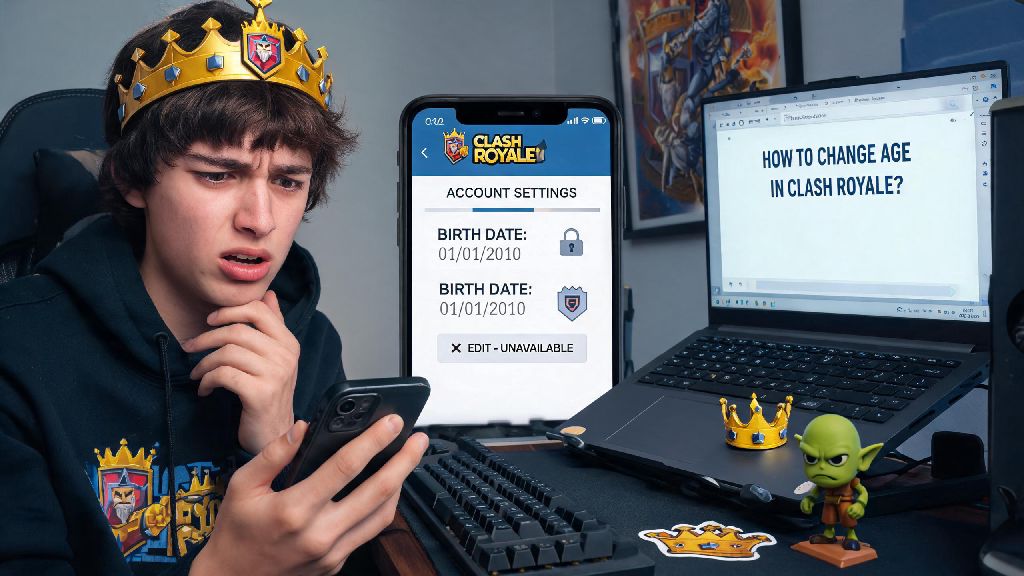
Have you ever tried joining a public Clash Royale tournament or sending a friend request to a clan mate, only to get hit with a restriction message because you entered the wrong birth date when you first signed up? Most players rush through the account creation step to jump straight into matches, so it’s super common to mistype your age or have a parent fill it out incorrectly for you. This guide walks you through exactly how to change age on Clash Royale safely, so you can access all the features you’re eligible for without risking your account or losing years of progress.
Pre-Requisites Before You Change Age on Clash Royale
Supercell takes age privacy and safety very seriously, so they don’t let users edit their birth date directly from the in-game settings menu to prevent misuse. Before you submit a request to update your age, you need to have a few key details ready to speed up the approval process. First, make sure you have access to the email linked to your Supercell ID, because support will send verification and update messages to that address only. You’ll also need your registered player tag to help support locate your account quickly, which you can find under your in-game profile. If you’re trying to update your age to reflect that you’re over 13, you’ll need valid proof of age like a birth certificate, driver’s license, or state ID that clearly shows your full name and date of birth. If you’re a minor submitting a request, your parent or legal guardian will need to provide their own proof of identity and confirm they approve the change. That means you can’t just send a random screenshot of your birthday cake and expect the request to go through—they require official documentation to verify your identity.
Step-by-Step Process to Update Your Birth Date on Clash Royale
The only official way to change your age on Clash Royale is to submit a request directly to Supercell’s support team, and the process is pretty straightforward if you have all your details ready. First, open your Clash Royale app and tap the three horizontal lines in the top right corner of the main screen to open the menu. Select the “Settings” option, then scroll down until you see the “Help and Support” button and tap it. From there, tap the blue “Contact Us” button usually located in the top right corner of the help screen, then select the “Account” category from the list of support topics. Next, choose the “Age or personal data change” option, and you’ll be directed to a short form to fill out with your account details, reason for the age change, and any supporting documentation you have. Double check that you enter your player tag and linked email correctly, because typos here will delay your request for days. Do not submit fake age documentation to try to unlock features you’re not eligible for, because Supercell can permanently suspend your account if they catch you submitting falsified information. Most requests are processed within 2 to 3 business days, and you’ll get a confirmation email once your age has been updated successfully.
Common Issues You Might Face When Adjusting Your Age Details
Even if you follow all the steps correctly, you might run into a few snags when submitting your age change request, especially if you’re missing required information. One of the most common issues is a delayed response from support, which usually happens during peak game update periods when the support team is swamped with tickets. If you don’t get a response within 5 business days, you can submit a follow-up request referencing your original ticket number to get an update. Another common problem is having your request rejected outright, which can happen for a number of different reasons. The most frequent reasons for rejected age change requests include:
If your request gets rejected, read the explanation from support carefully to see what you need to fix before resubmitting. Never lie about your age to unlock restricted features, because even if you get approved once, Supercell can audit your account later and ban you permanently if they find you provided false information. It’s just not worth losing all your cards, trophies, and clan progress over access to chat features.
What Changes After You Update Your Age on Clash Royale?
A lot of players worry that updating their age will erase their game progress, but that’s not the case at all. All your cards, trophy count, clan membership, battle pass rewards, and in-game purchases will stay exactly the same after your age is updated. The only changes are related to age-restricted features and privacy settings. If you update your age to 13 or older, you’ll unlock access to global in-game chat, public tournament registration, friend requests from other players, and personalized in-game offers based on your play style. If you update your age to under 13 for a child’s account, you’ll get access to extra safety features like restricted chat filters, no targeted ads, and limited access to community features to keep younger players safe. You don’t have to restart your game or re-link your Supercell ID after the change is made—just close and re-open your app once you get the confirmation email, and all the new features will be available immediately. I helped my 14-year-old cousin go through this process last year, because his mom accidentally entered his birth year as 2015 instead of 2009 when setting up his account, and he couldn’t join our clan’s private chat until we fixed it. The whole process took 2 business days, and he didn’t lose any of his level 14 cards or 6000+ trophies, so it’s completely safe if you follow the official steps.
Fixing an incorrect birth date on your Clash Royale account doesn’t have to be a complicated process, as long as you follow Supercell’s official guidelines and provide all required information upfront. Taking the time to submit a legitimate request ensures you get access to all the features you’re eligible for, without putting your hard-earned game progress at risk of suspension. Now that you know how to change age on Clash Royale correctly, you can submit your request today and get back to climbing the trophy ladder with your clan mates in no time.