If you’ve jumped back into Clash Royale for its 2026 10th anniversary update or are a brand new player climbing the ranks, one of the first things you’ll want to do is link up with people you know. Whether you want to run 2v2 battles, compare card collection progress, or invite friends to your clan, knowing how to add someone in Clash Royale takes the stress out of connecting with your community. I’ve had so many friends message me asking why their requests aren’t going through after the 2026 update, so I decided to put together this full breakdown of every working method, plus fixes for the most common errors you might run into.
How to Add Someone in Clash Royale: 3 Simple In-Game Methods
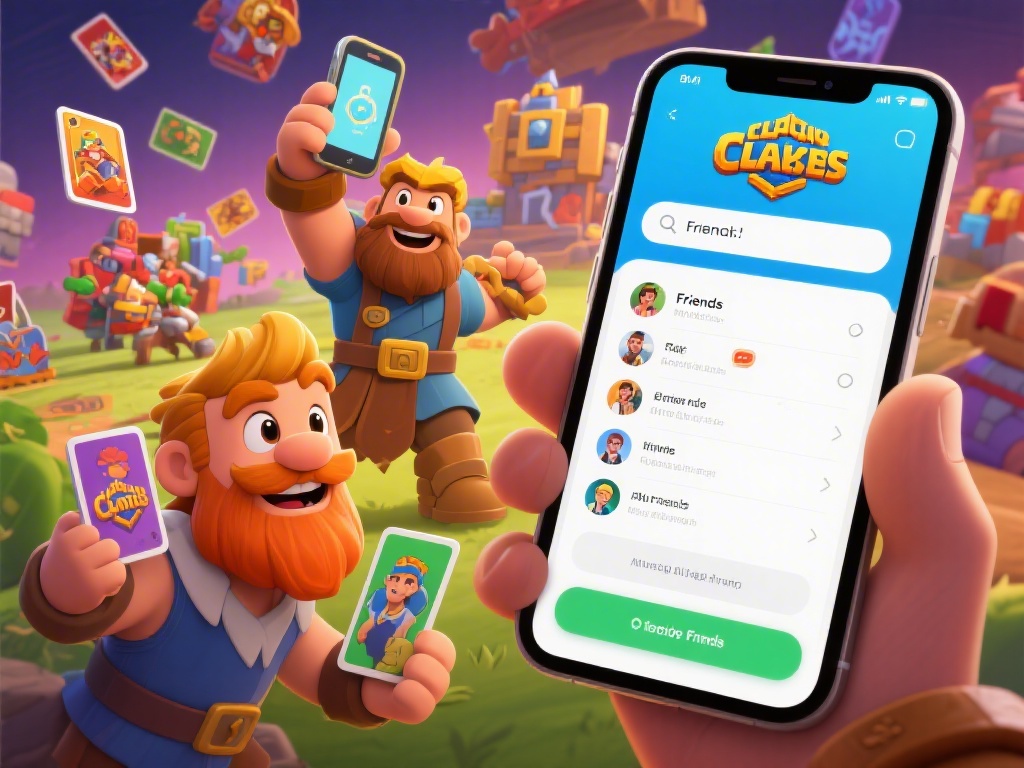
The easiest way to add friends is directly through the Clash Royale 2026 interface, no third-party tools needed. We tested these methods on both iOS and Android, and they work for all players on the latest game version, even if you use a Supercell ID linked to multiple devices. You don’t need to be in the same clan or have played a battle against someone to send them a request, either.
One thing to note: if you don’t see the add friend button on someone’s profile, that means they’ve turned off friend requests in their privacy settings. You can adjust your own settings if you only want clanmates or people with your tag to send you requests, which cuts down on spam from random players. If you’re still confused about how to add someone in Clash Royale using these methods, you can find a short tutorial in the game’s help center under the social tab, but most people get the hang of it after sending their first request.
Fixing Common 2026 Friend Request Errors in Clash Royale
Even if you follow all the steps correctly, you might run into errors that stop your request from sending or showing up for the other person. Most of these issues are tied to the 2026 update’s new privacy features, not a bug with your game or account. Let’s break down the most common problems and how to fix them fast.
Requests not showing up for the other person: First, check that both of you are running the latest version of Clash Royale from the App Store or Google Play. The 2026 Q1 update changed how friend requests are routed between regions, so outdated versions won’t sync requests across different servers. If that doesn’t work, ask your friend to check their blocked list to make sure they didn’t accidentally block you in the past.
"Player not found" error when using a tag: Double check that you entered the tag correctly, including capital letters and special characters. One common mistake is mixing up the letter O with the number 0, which is super easy to do if someone sends you their tag via text. If you’re still getting the error, ask your friend to confirm their tag from their own profile, rather than copying it from a clan list or third-party stats site, since those sometimes have outdated information.
Too many friend requests warning: Clash Royale limits you to 50 outgoing friend requests at a time in the 2026 version to cut down on spam. If you get this warning, go to your pending requests list and cancel the old ones you sent to people you don’t know anymore, and you’ll be able to send new ones right away.
Cross-Platform Friend Adding Tips for 2026 Clash Royale Players
A lot of players assume that if one person plays on iOS and the other on Android, they can’t add each other, but that’s not true at all for the 2026 version of the game. Supercell ID made cross-platform play and connecting completely seamless, as long as both players have their accounts linked to a valid Supercell ID. Even if you play on a tablet and your friend plays on a phone, you can add each other and battle together with no issues.
Pro tip for Switch players: If you play Clash Royale on the Nintendo Switch port that launched in early 2026, you can still add mobile players by using their player tag. The Switch version syncs fully with your Supercell ID, so your friends list will carry over across all your devices automatically. The only thing you can’t do on Switch is send friend requests via nearby player scan, a feature that’s only available on mobile devices for now.
If you’re playing in a different region than your friend, you might notice a 1-2 minute delay before their friend request shows up. That’s completely normal for the 2026 server setup, so don’t send multiple requests right away, because that can flag your account for spam. Wait a few minutes, restart your game if needed, and the request will pop up.
What to Do After Adding a Friend in Clash Royale 2026
Once your friend accepts your request, you can do a lot more than just send each other quick messages. The 2026 update added a bunch of new social features that make playing with friends way more rewarding than grinding solo. Most players don’t even know about half of these perks, so we’re breaking down the best ones to try first.
Run 2v2 ranked battles together: 2v2 ranked got a full overhaul in 2026, with exclusive rewards like special card skins and emote packs only available for teams that climb to Gold rank or higher. Playing with someone you know is way easier than queuing with randoms, since you can coordinate your decks and call out plays via in-game voice chat if you want.
Exchange card tokens: You can send up to 3 common card tokens and 1 rare token to each friend per week, which is a huge help if you’re trying to upgrade a specific card for your deck. If you’re in the same clan, you can also trade epic and legendary cards with friends for a small trade token fee, which is way faster than waiting for the card to show up in your shop.
You can also create private custom tournaments for you and your friends to compete in, with prize pools you can set yourself using in-game gold. The 2026 custom tournament update let players add up to 100 people to a private tournament, which is perfect for running small events with your friend group or clan members. You can even set specific deck rules to make the matches more fun, like only allowing common cards or no spell cards.
At the end of the day, connecting with people you enjoy playing with makes Clash Royale way more fun, whether you’re chasing new ranks or just messing around in casual matches. Now that you know how to add someone in Clash Royale, you can build out your friends list with clanmates, former opponents, and real-life friends to make the most of all the 2026 social features. Don’t forget to adjust your privacy settings if you want to avoid random requests, and always double check player tags before sending a request to avoid adding the wrong person.